1. Organization-wide job management
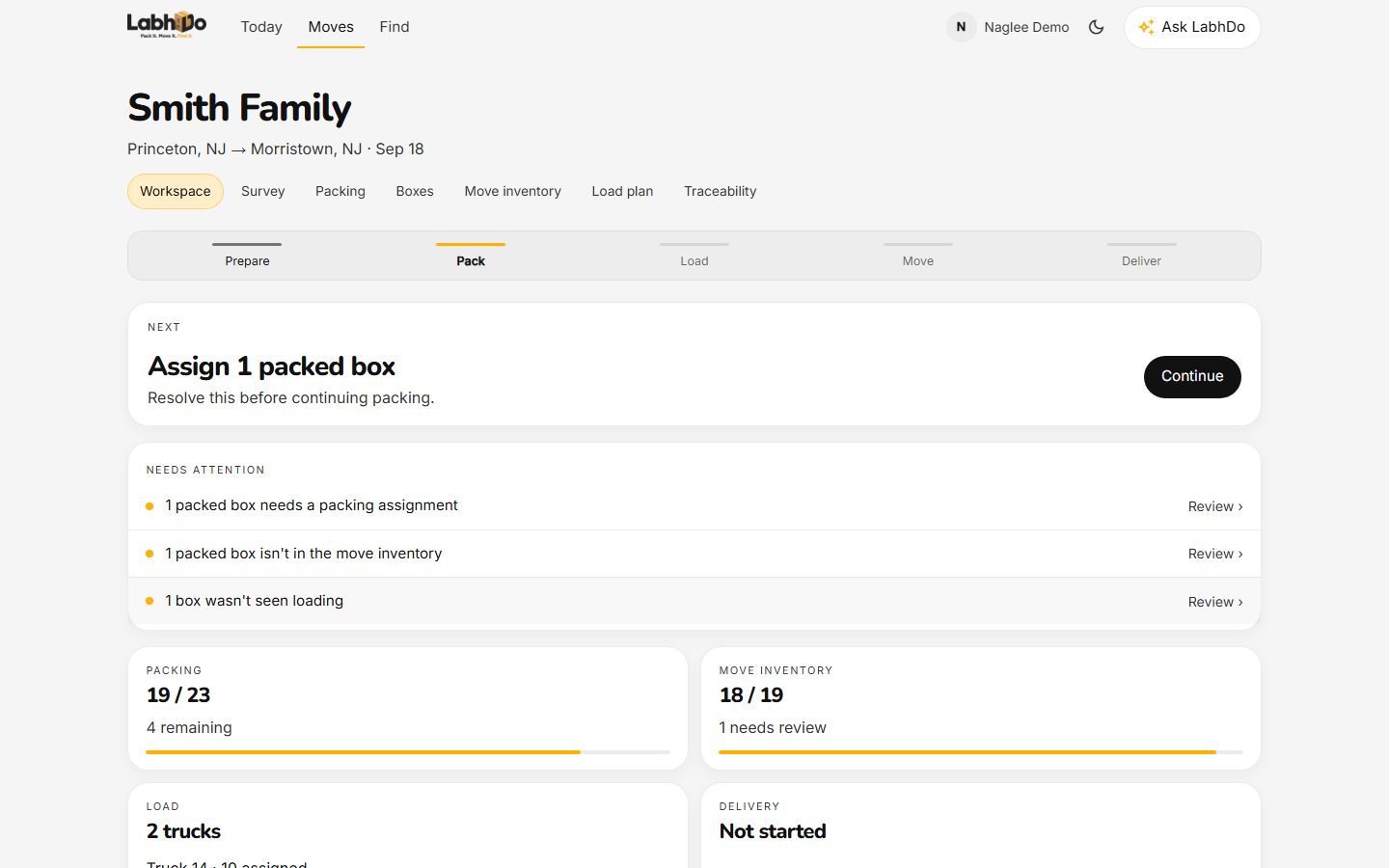
See which jobs are active, waiting on the customer, missing units, or ready to close — without opening each household app.
Mover Operations
Verified capabilities
1. Organization-wide job management
See which jobs are active, waiting on the customer, missing units, or ready to close — without opening each household app.
2. Create the job before the customer joins
Coordinators open a job with origin, destination, dates, and a customer name. Packing does not wait on a household login.
3. Survey and file import to operational inventory
Where entitled, import a survey file or packing plan and turn it into operational units. This is a file import, not an official Yembo product integration.
4. Crew, vehicle, and stop coordination
Assign crews and vehicles, and walk stops with a signed crew link. Crews get a focused job view — not the office billing shell.
5. Manifest and handoff reconciliation
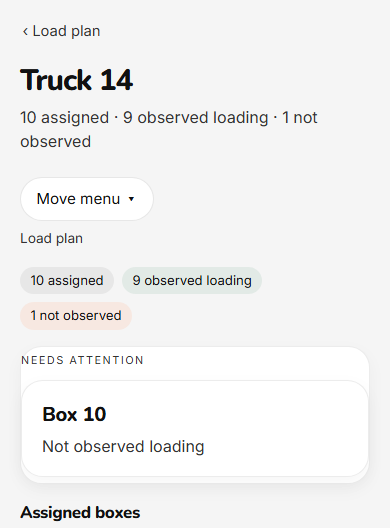
Connect planned units to what was loaded, received, and delivered. Exceptions stay visible before the truck leaves.
6. Cross-job exception management
Expected-not-packed, loaded-not-delivered, warehouse gaps, and incomplete reconciliation — across every job you operate.
7. Customer privacy
Your team sees destination, floor, room, handling, and operational status by default. Detailed household contents stay private unless the household explicitly shares them.
8. How access works
Mover Operations is sales-assisted. Paying organizations are provisioned through a recorded commercial agreement. Time-limited trials exist separately and are not required once a commercial entitlement is active. This page does not publish a self-serve price or annual move allowance.
Crew workflow
Ask it in LabhDo the way a lead would ask on the dock. Which unit was not observed loading? What is on the assigned vehicle?
Privacy
Linking a customer to the job does not expose photos, serials, or item names. Ending the mover relationship does not remove a household’s independently purchased LabhDo access.
Honesty
We will not invent time savings, claim reduction, or accuracy figures. LabhDo is not dispatch, routing, invoicing, or payroll, and it is not an automatic guarantee that every unit is watched.
Start a conversation
Prefer email? support@labhdo.com
FAQ
No. A signed, expiring crew link opens a focused job interface in the browser. Marking loaded or delivered does not require the full organization workspace.
Destination, floor, room, handling, and operational status. Item photos and serials stay with the household unless that household shares contents.
No official Yembo integration ships today. Coordinators can import supported survey files. Describe that as file import, not a live vendor sync.
No. Use the form to book a workflow demo. Partner workspaces exist for organizations that are already set up.