

Household view
BOX 023
Office
- Laptop charger
- Camera
- Hard drives
- Paperwork
QR moving labels
The problem
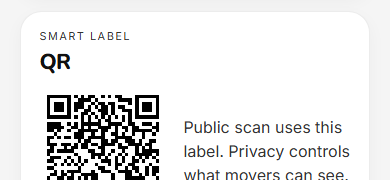
A room name is what you write when you are tired. A useful label names the floor and a short code the crew was briefed on. The QR is for the exceptions: a private box, a pre-printed sticker assigned at pack time, or reconciling loaded vs delivered.
On the sticker
Avery 5163 / 8163, 2×4″. Pre-print a stack per room, or generate labels when you seal. OPEN FIRST is not printed on the label.
Two views
Household view
BOX 023
Office
Scan → destination
Mover scan
BOX 023
Destination
OFF
Office
Floor 02
4 items · contents hidden
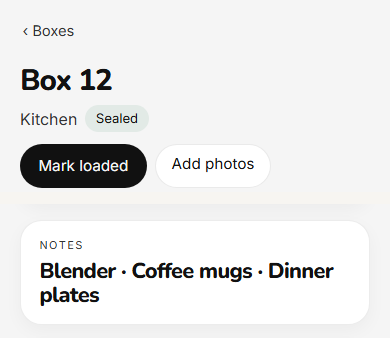
Privacy
Default. Floor, room, mover code.
Routing hidden. The scan page says to ask the owner.
FAQ
Avery 5163 and 8163 (2×4″). You can pre-print a stack per room or generate labels when you seal.
No. Default public scans are destination only — floor, room, and mover code. Item photos stay off the scan page.
No. Open-first lives in the inventory so you can find first-night boxes without advertising them on the cardboard.
You can reassign, reprint, or rotate a sticker when one comes off the cardboard.
Keep going
Carry the same boxes from packed to loaded to delivered.
What crews see, and how a household shares a crew link.
Photograph as you pack so the QR has something useful behind it.
Room codes, handling flags, and why “Kitchen” fails on a three-story house.